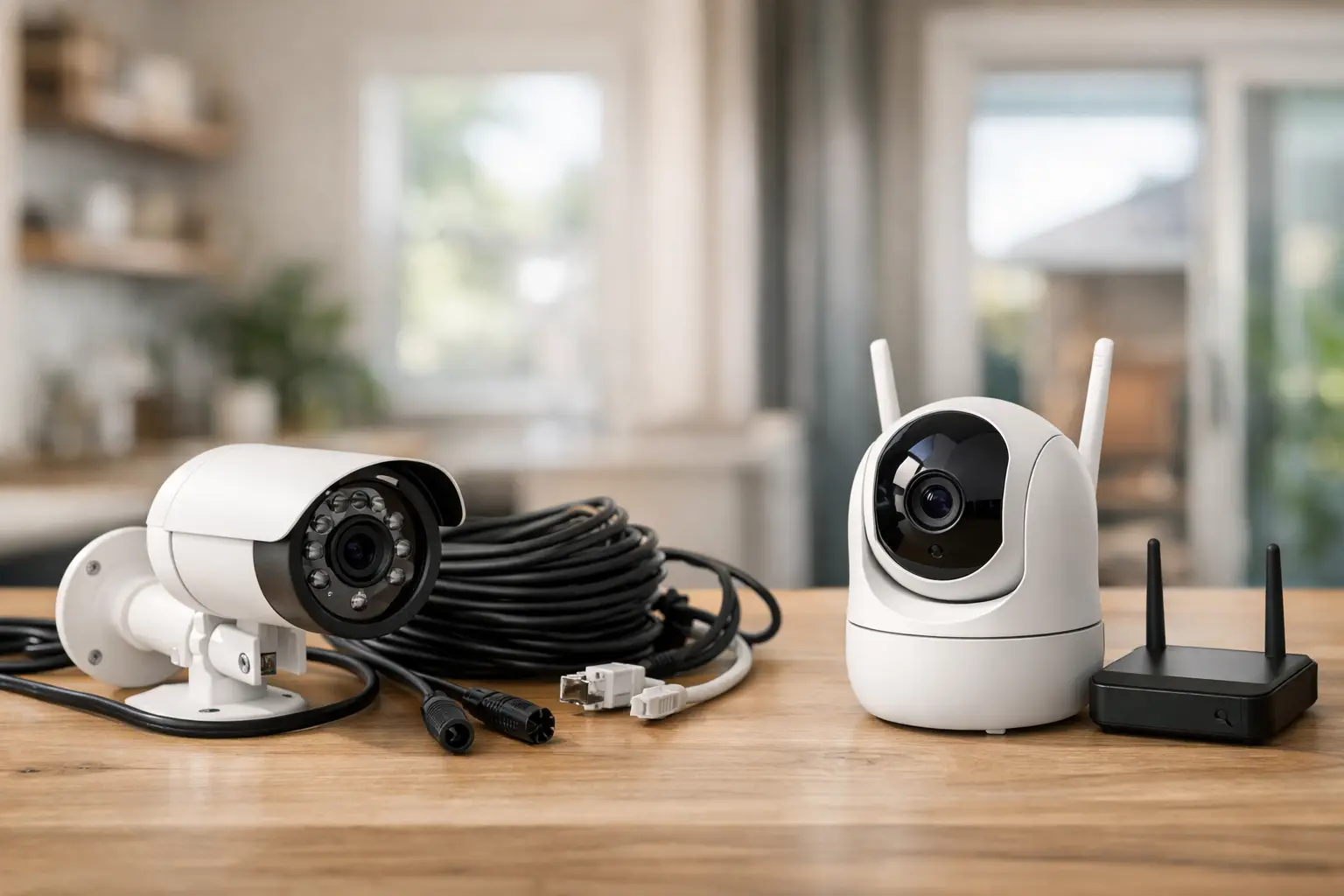
A camera over the garage is not much help if its battery dies during a trip, its Wi-Fi drops at the far end of the property, or it records only after someone has already reached the door. When choosing wired versus wireless cameras, homeowners need to look beyond the box and consider how the system will work on their specific property.
For Bay Area homes, apartments, rental properties, and small commercial spaces, the right choice often comes down to power access, wall construction, internet reliability, desired recording time, and how much installation work makes sense. Neither option is automatically better. A well-placed wireless camera can solve a simple coverage problem quickly, while a wired system can provide dependable monitoring where missed footage is not acceptable.
Wired Versus Wireless Cameras: The Core Difference
The terms can be confusing because a camera may be wireless in one way and wired in another. A wireless camera usually sends video over Wi-Fi, but it may still plug into a nearby outlet for power. A battery-powered model is wireless for both power and video transmission. Wired cameras use physical cabling for power, video, or both.
Many modern wired systems use a single Ethernet cable to carry power and data. This is often called Power over Ethernet, or PoE. Other cameras may use separate power wiring and video wiring. The setup matters less to most property owners than the result: wired cameras have a consistent power source and do not depend on a battery charging schedule.
Wireless cameras are popular because they can be installed with less disruption. They are useful for a front entry, side gate, detached shed, or an area where opening walls to run cable would be excessive. Their convenience does come with limits, especially where Wi-Fi coverage is weak or activity is frequent.
Reliability Starts With Power and Signal
A wired camera is generally the stronger choice for continuous recording and high-traffic areas. Because it has steady power, it can record around the clock, capture more events, and support higher-demand features without draining a battery. A hardwired connection can also be more stable than Wi-Fi when the router is overloaded or the camera is mounted far from the house.
Battery-powered wireless cameras conserve energy by recording short clips when motion is detected. That approach works well for a quiet porch or a side entrance that sees occasional activity. It may be less reliable for a busy driveway, shared walkway, street-facing location, or business entry where people, vehicles, pets, and shadows can repeatedly trigger the camera.
Wi-Fi signal deserves a real check before purchasing equipment. Stucco, brick, metal siding, concrete, insulation, appliances, and distance can all weaken a connection. A camera that works properly indoors near the router may struggle once it is mounted outside under an eave. Test the signal at the planned camera location, not just in the closest room.
Plug-in wireless cameras avoid battery charging but still rely on Wi-Fi. They are often a practical middle ground when there is an exterior-rated outlet nearby and the property has dependable wireless coverage.
Installation Work Is Part of the Decision
Wireless cameras are usually faster to mount, but fast installation should not mean careless installation. Exterior cameras need a secure mounting surface, a protected location where possible, and a clear view that is not blocked by gutters, tree branches, or seasonal decorations. They should be high enough to discourage tampering but low enough to identify faces rather than record only the tops of heads.
Wired cameras take more planning. Cables may need to pass through attic space, crawlspaces, finished walls, exterior siding, or conduit. Every exterior penetration needs proper sealing to help prevent moisture intrusion. Cable runs also need to stay clear of hazards and be supported correctly rather than left exposed where they can be damaged.
This is why a wired system is often easiest to plan during a remodel, siding project, drywall repair, or major renovation. Running cable before walls are closed can produce a cleaner result and reduce later patching. For an existing home, a qualified installer can assess practical routes, mounting surfaces, available power, and whether a cleaner hardwired installation is worth the added labor.
Properties with older construction require particular care. Plaster walls, limited attic access, finished basements, and historic details can make hidden cable routing more involved. In those cases, a thoughtfully placed wireless camera may be the more sensible choice rather than forcing an invasive installation.
Recording Needs Should Drive the Choice
Ask what footage you would want after an incident. If you need a broad record of activity throughout the day, wired cameras are better suited to continuous recording. They are also a stronger fit for areas where a motion event can begin outside the camera’s detection range or where movement continues for a long time.
If you mainly want alerts when someone approaches a door or opens a gate, a wireless camera may be enough. Motion clips can show deliveries, visitors, and activity at a single access point without the expense or construction work of a larger wired setup.
Storage is another consideration. Some cameras save video locally, while others use online storage or both. Local recording can keep footage available even when internet service is interrupted, depending on the equipment and configuration. Online storage can be convenient for reviewing clips remotely, but it may require an ongoing subscription and depends on an internet connection.
Do not choose based only on video resolution. A clear image is useful, but camera placement, lighting, recording duration, viewing angle, and reliable storage have just as much effect on whether footage is useful. A poorly aimed high-resolution camera will still miss the details that matter.
Privacy, Lighting, and Placement Matter More Than Most People Expect
A camera should cover your entrances, paths, driveway, garage, and other legitimate areas of concern without pointing unnecessarily into a neighbor’s private space. This is both a practical courtesy and a way to avoid disputes. For rental owners and property managers, clear policies around cameras in common exterior areas are especially helpful.
Night performance also depends on placement. Built-in infrared lighting can provide black-and-white footage in darkness, but reflective surfaces, nearby walls, and glass can create glare. A camera behind a window usually performs poorly at night because the infrared light reflects back into the lens. Exterior mounting and well-planned outdoor lighting often produce better results.
Avoid aiming cameras directly at the rising or setting sun, bright streetlights, or highly reflective surfaces. Test the view at daytime and after dark before treating the project as complete. A slight adjustment in angle can improve identification more than changing to a more expensive camera.
When Wired Cameras Make the Most Sense
Wired cameras are usually worth considering when coverage needs are permanent and dependable. They fit homes with multiple exterior access points, larger lots, detached garages, repeated package concerns, or a need for continuous recording. They also work well for offices, storefront-adjacent properties, and managed buildings where camera uptime matters.
They are a practical long-term investment when cable can be routed cleanly during construction or renovation. The upfront installation is more involved, but the system generally asks less of the owner afterward. There are no batteries to replace or recharge, and the camera is less likely to miss activity because it was conserving power.
When Wireless Cameras Are the Better Fit
Wireless cameras are a strong choice for straightforward, targeted monitoring. They make sense for renters who cannot run new cables, homeowners who need a quick solution at one door or gate, and properties where finished surfaces make wiring difficult. They can also be useful as supplemental coverage where extending a wired system is not practical.
The trade-off is maintenance. Battery models need charging, Wi-Fi models need a stable network, and every wireless camera benefits from occasional checks to confirm it is still recording, connected, and aimed correctly. Set calendar reminders to review battery level, motion settings, storage capacity, and camera views.
For many properties, the best answer is a mixed setup. Use hardwired cameras at the driveway, main entry, and other critical locations, then add wireless units for a side yard, temporary construction monitoring, or a hard-to-reach corner. The goal is not to choose one technology for every location. It is to build coverage that matches the risks and layout of the property.
Before mounting anything, walk the property at the times you most want coverage: after dark, during delivery hours, and when vehicles are parked in the driveway. The best camera system is the one that reliably sees the right area, stays powered, and fits the way your home or property is actually used.
