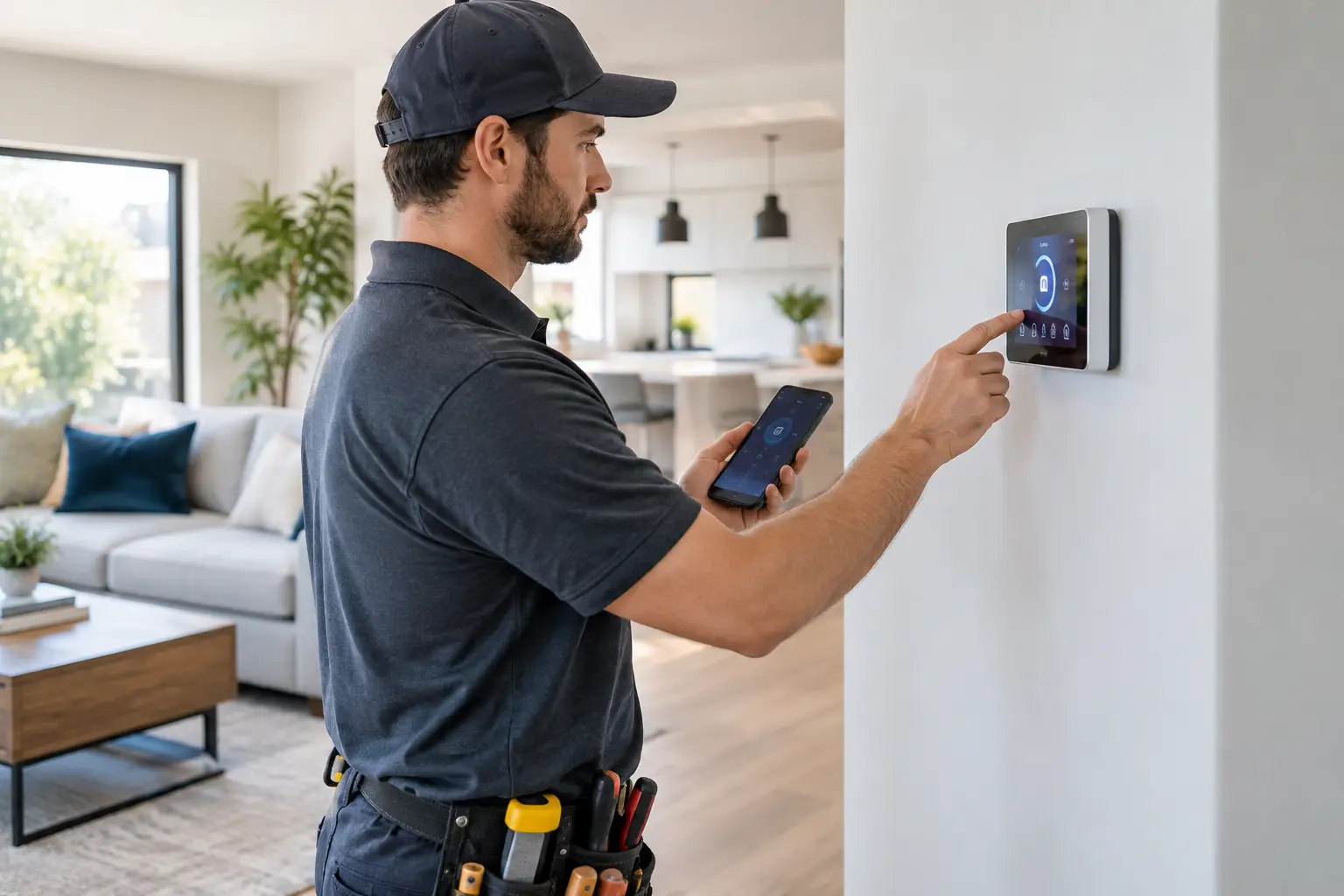
A smart home installation should make the house easier to run, not give you another app, another password, and another problem to troubleshoot. The best setups handle useful everyday tasks: lights turn on when needed, doors lock reliably, cameras capture clear footage, and climate controls respond without delay. Getting there takes more than mounting a few devices. It takes a plan that fits the home, the household, and the electrical and Wi-Fi systems already in place.
Start With the Problems You Want to Solve
Smart home technology works best when it answers a specific need. A busy family may want porch lighting, door locks, and a video doorbell that simplify arrivals and deliveries. A landlord may need dependable access control and leak alerts between tenant visits. A homeowner working from home may care most about stable Wi-Fi, automated shades, and room-by-room lighting.
Buying devices before identifying those priorities often creates a patchwork system. One device may require a separate hub, another may only work through a particular voice assistant, and a third may depend on a weak wireless signal in the garage. The result can be more complicated than the home was before.
Before scheduling installation, consider four practical questions:
- Which daily tasks would you like to automate or monitor?
- Who needs access to the system, including family members, tenants, guests, or property staff?
- Do you need control while away from the property?
- What should still work if the internet goes down or a phone battery dies?
Those answers help determine whether a simple standalone device is enough or whether the home needs a more coordinated system.
Plan the Smart Home Installation Around the House
Every property places different limits on smart devices. Bay Area homes often combine older construction with updated rooms, detached garages, stucco exteriors, finished basements, or multi-level layouts. Those details affect signal strength, wiring routes, mounting methods, and power availability.
A video doorbell, for example, may use existing low-voltage wiring or may need a battery-powered model. A wired option can reduce charging chores, but the existing transformer and wiring still need to be compatible and in good condition. A smart lock needs more than the right finish and keyway. The door must close squarely, the deadbolt must align with the strike plate, and the frame must not shift when the weather changes. If the mechanical lock is difficult to operate by hand, adding electronics will not solve the underlying door issue.
Smart switches deserve similar attention. They can offer a cleaner, more permanent result than plug-in lamps, but some require a neutral wire in the electrical box. Older homes do not always have one. A switch box may also be crowded, have damaged wiring, or control a circuit that needs further evaluation. Electrical modifications should be handled correctly, with code requirements and permit needs reviewed when applicable.
Placement matters as much as product selection. Cameras need a useful viewing angle without being blocked by eaves or landscaping. Motion sensors should not face a sunny window or a heating vent that causes false alerts. Smart thermostats need a compatible HVAC system and a location that reflects the room temperature, not a drafty hallway or hot kitchen wall.
Do Not Treat Wi-Fi as an Afterthought
Most frustrating smart-home problems are really network problems. A device that drops offline, responds slowly, or cannot complete setup may be too far from the router rather than defective. Thick walls, metal lath, appliances, neighboring networks, and a router tucked into a cabinet can all reduce coverage.
Check signal strength at the front door, garage, backyard, bedrooms, and anywhere devices will be installed. Larger homes may benefit from properly placed access points or a mesh Wi-Fi system. The goal is not simply to see a Wi-Fi icon on a phone. The connection needs to stay stable where the device operates.
It is also wise to keep a secure record of device names, account recovery information, and network credentials. Assigning clear names such as “front entry lock” or “upstairs hall light” makes future troubleshooting much easier than relying on default manufacturer labels.
Choose Devices That Can Work Together
Compatibility is where many smart home projects become expensive and disappointing. Devices may use Wi-Fi, Bluetooth, Zigbee, Z-Wave, proprietary hubs, or other connection methods. None is automatically best. Wi-Fi devices can be convenient for a smaller installation, while hub-based devices may be better suited to homes with many connected products. The right choice depends on the size of the system, desired features, and how much ongoing management the owner wants.
Try to select devices that work within one clear control approach. That could be a preferred voice assistant, a central app, or a dedicated smart-home hub. It is reasonable to mix brands when products are compatible, but avoid building a system that requires multiple unrelated apps for basic functions.
Think about long-term ownership, too. Some features may depend on paid cloud storage or a manufacturer account. Others may offer local control, physical buttons, or keypad access. A smart lock should still have a reliable manual entry option. Lights should still work at the wall switch. A thermostat should remain usable when a phone is unavailable. Convenience should add control, not replace it.
Installation Quality Affects Reliability and Safety
A clean installation protects the house and helps the equipment last. That includes secure mounting, properly supported wiring, weather-appropriate exterior materials, neat wall repairs, and careful testing after each device is installed. Drilling through siding or exterior trim without the right sealing method can invite moisture damage. Mounting a heavy camera or display to drywall without suitable anchors can lead to failure later.
Some projects are straightforward, such as mounting a hub, replacing a battery-powered sensor, or setting up smart plugs. Others call for a professional with broader home-service experience: installing hardwired switches, running low-voltage cable, correcting door alignment before adding a smart lock, mounting equipment on challenging surfaces, or repairing drywall after wiring work.
Fullhouse Remodeling & Handyman Services can help homeowners coordinate the practical parts of a smart home project, including mounting, door and hardware adjustments, electrical-related installation needs, drywall repair, and other finishing work that turns a collection of devices into a completed home improvement job.
For larger upgrades, plan the smart features before a remodel begins. A kitchen remodel is a good time to consider under-cabinet lighting controls, outlet locations, and lighting zones. During bathroom or bedroom work, it may be easier to add wiring, switch boxes, or charging locations while walls are open. Planning early can reduce visible wiring and avoid redoing finished surfaces later.
Set Up Security and Access Carefully
Connected devices can improve awareness around a property, but they should be configured with the same care as physical locks. Use unique, strong passwords for the main account and turn on multi-factor authentication when available. Remove access promptly when a tenant moves out, a contractor finishes work, or a household member no longer needs control.
Keep device software current, especially for cameras, locks, and hubs. Updates often address security issues as well as performance problems. If the router supports a separate network for connected devices, that can be a sensible extra layer of organization. It is not necessary for every small setup, but it becomes more worthwhile as the number of devices grows.
Be thoughtful about camera placement. Aim cameras at entry points and private property areas, while respecting neighbors and avoiding spaces where privacy is expected. A camera that has a clear purpose and is positioned correctly is more useful than one installed only because it came in a package.
Test the System Before Calling It Finished
Installation day should end with more than a successful app pairing. Test each device from the place and in the way it will actually be used. Lock and unlock doors from inside, outside, and remotely if remote access is enabled. Confirm that lights respond at both the switch and in the app. Check camera footage during daytime and after dark. Trigger motion sensors and verify that notifications arrive on the right phones.
Then test normal household disruptions. Restart the router. Check what happens after a power interruption. Make sure essential devices have the backup options you expect. If grandparents, children, tenants, or staff will use the system, show them the simplest way to operate it without relying on your phone.
The right smart home installation feels almost invisible after it is complete. Lights, locks, controls, and alerts should fit naturally into the way you already live. Start with the features that solve a real problem, install them with care, and leave room for the system to grow when the home is ready.
