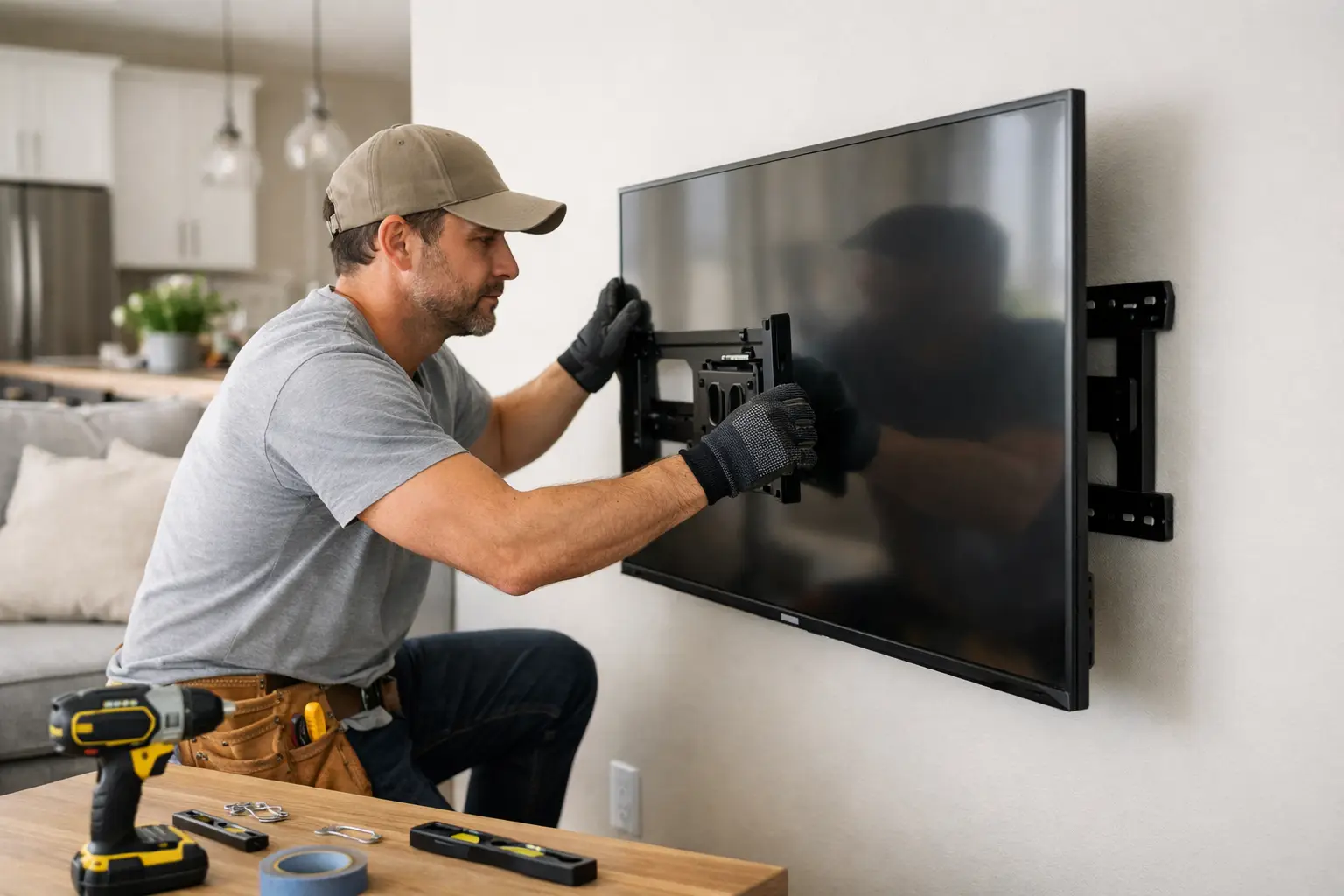
A TV that looks level on the wall can still be mounted wrong. The real problem usually stays hidden until the bracket starts shifting, the drywall cracks, or the screen pulls away from the wall. If you are searching for how to mount TV safely, the priority is not speed or looks – it is making sure the wall, hardware, and mounting method can actually support the load over time.
For many homeowners, the risky part is not hanging the bracket. It is choosing the wrong location, missing the studs, using the wrong anchors, or underestimating how much force a larger screen puts on the wall when it extends on a swivel arm. A safe install comes from planning first and drilling second.
How to mount TV safely starts with the wall
Not every wall is a good mounting wall. Standard wood-stud walls are usually the most straightforward, provided the studs are located correctly and the bracket spans them as required. Concrete and masonry can also work well, but they need the correct anchors and drill bits. Metal stud walls are where DIY installs often go wrong because the mounting method depends on stud gauge, backing, bracket design, and TV size.
Drywall alone is not structural support for a full-size television. Even if a set of anchors claims a high weight rating, a mounted TV creates more than a simple downward load. Tilt brackets, pull-out mounts, and frequent adjustment all increase stress on the attachment points. That is why safe mounting depends on fastening into solid framing or another approved structural surface.
Before choosing a bracket, confirm what is behind the finished wall. A stud finder helps, but it should not be your only check. Small pilot holes, measuring from known stud spacing, and verifying with a finish nail or similar method can prevent a costly mistake. In older homes, wall construction may not be as predictable, which makes careful verification even more important.
Pick the right mount for the TV and the room
The safest bracket is not always the biggest or most adjustable one. It needs to match the TV’s size, weight, and VESA mounting pattern. It also needs to fit the way the TV will actually be used.
A fixed mount keeps the screen close to the wall and creates less leverage on the fasteners. In many living rooms, this is the safest and simplest option. A tilting mount is useful when the TV is mounted slightly higher, such as above a dresser or fireplace. A full-motion mount offers the most flexibility, but it also places the greatest stress on the wall because the TV can extend outward and act like a lever.
That trade-off matters. A heavier TV on a full-motion arm may be technically within the bracket’s rating, but the wall condition still has to support those forces. If the wall is questionable, a lower-profile mount may be the smarter choice.
Height and placement matter more than most people expect
A safe installation also means a practical installation. If the TV is too high, people tend to tilt or pull it forward constantly. If it is too close to a corner, a cabinet, or a swinging door, the screen becomes easier to bump during daily use.
The best height depends on the room, seating, and screen size, but in most cases the center of the TV should land close to seated eye level. Bedrooms, offices, and media rooms may call for slightly different positioning. The goal is to mount it where it can stay put, not where someone will keep adjusting it because the view feels off.
You should also think through glare, outlet placement, nearby shelving, and cable routing before any holes are drilled. Changing the location after mounting usually means patching drywall and starting over.
Tools and hardware: where safety gets decided
This is where many installs succeed or fail. The bracket box may include hardware, but included fasteners are not always right for your wall type. Lag bolts for wood studs, concrete anchors for masonry, and proper washers and spacers all need to match the surface and the bracket design.
At a minimum, the job usually requires a level, drill, correct drill bits, socket or wrench set, stud finder, tape measure, and a second person to help lift and place the TV. Larger screens should never be mounted solo. It is too easy to twist the bracket rails, damage the panel, or lose control of the set while trying to hook it onto the wall plate.
Do not guess on bolt length when attaching the mounting arms to the back of the TV. Bolts that are too short may not engage enough thread. Bolts that are too long can damage the internal components of the TV. Manufacturers provide the right bolt size range for a reason.
How to mount TV safely without damaging the wall
Once the stud locations are confirmed, mark the bracket holes carefully and verify the bracket is level before drilling. Pilot holes matter. They help confirm stud placement and reduce the chance of splitting wood framing or wandering off-center.
When fastening the wall plate into studs, the bolts should draw the bracket tight without crushing drywall excessively or stripping the wood. If a lag bolt spins freely, that is a red flag. Stop and inspect. A loose fastener will not become safer just because the bracket has multiple holes.
For masonry walls, the anchor type and embedment depth need to match the wall condition. Old brick, hollow block, and cracked mortar joints can all affect holding strength. This is one of those cases where the wall material may look solid but still not perform the way you expect.
After the wall plate is secured, attach the TV brackets to the back of the television and lift the unit into place with help. Locking tabs or safety screws should always be engaged if the bracket includes them. They are there to prevent accidental lift-off if the TV is bumped or shifted.
Cable planning is part of a safe install
Loose cables hanging from a mounted TV are not just unattractive. They can get snagged, pulled by children or pets, or place strain on the ports behind the screen. Good cable planning keeps the installation cleaner and reduces the chance of accidental movement.
If cables will remain visible, use a surface raceway or other clean management method to keep them controlled. If cables are going inside the wall, use materials and methods approved for in-wall use. Running the wrong type of power cord inside a wall is not a shortcut – it is a safety issue.
This is also the right time to think about outlet access. A TV should not be mounted in a way that pinches the power cord, blocks ventilation, or forces awkward bends in HDMI and data cables.
Common mistakes homeowners make
The most common problem is trusting drywall anchors for a TV that should be fastened to studs or masonry. Another is assuming all studs are exactly where the stud finder says they are. False readings happen, especially around pipes, wiring, blocking, and uneven wall surfaces.
A second frequent mistake is picking a mount based only on screen size and ignoring weight, extension, and wall type. Homeowners also mount over fireplaces without considering heat exposure, viewing angle, or whether the wall structure behind the finish is suitable.
Then there is the issue of rushing. Skipping pilot holes, eyeballing level, or trying to lift a large TV alone can turn a simple job into damaged drywall, broken hardware, or a cracked screen.
When professional TV mounting is the better move
Some installs are straightforward. Others are not. If you are dealing with a large-format TV, a full-motion mount, masonry, metal studs, a fireplace wall, hidden wiring, or uncertain framing, professional help is often the safest route.
A qualified installer can confirm structural support, use the right hardware, and avoid the trial-and-error that causes wall damage. That matters even more in busy households, rental turnovers, and commercial spaces where reliability is not optional. For Bay Area homeowners who want the job done cleanly and correctly, companies like Fullhouse Remodeling & Handyman Services handle TV mounting with the same practical standards they bring to broader home improvement work.
A wall-mounted TV should feel solid every time you touch it. If there is any wobble, doubt, or guesswork in the process, it is worth slowing down and doing it right before the wall – or the TV – tells you otherwise.
